
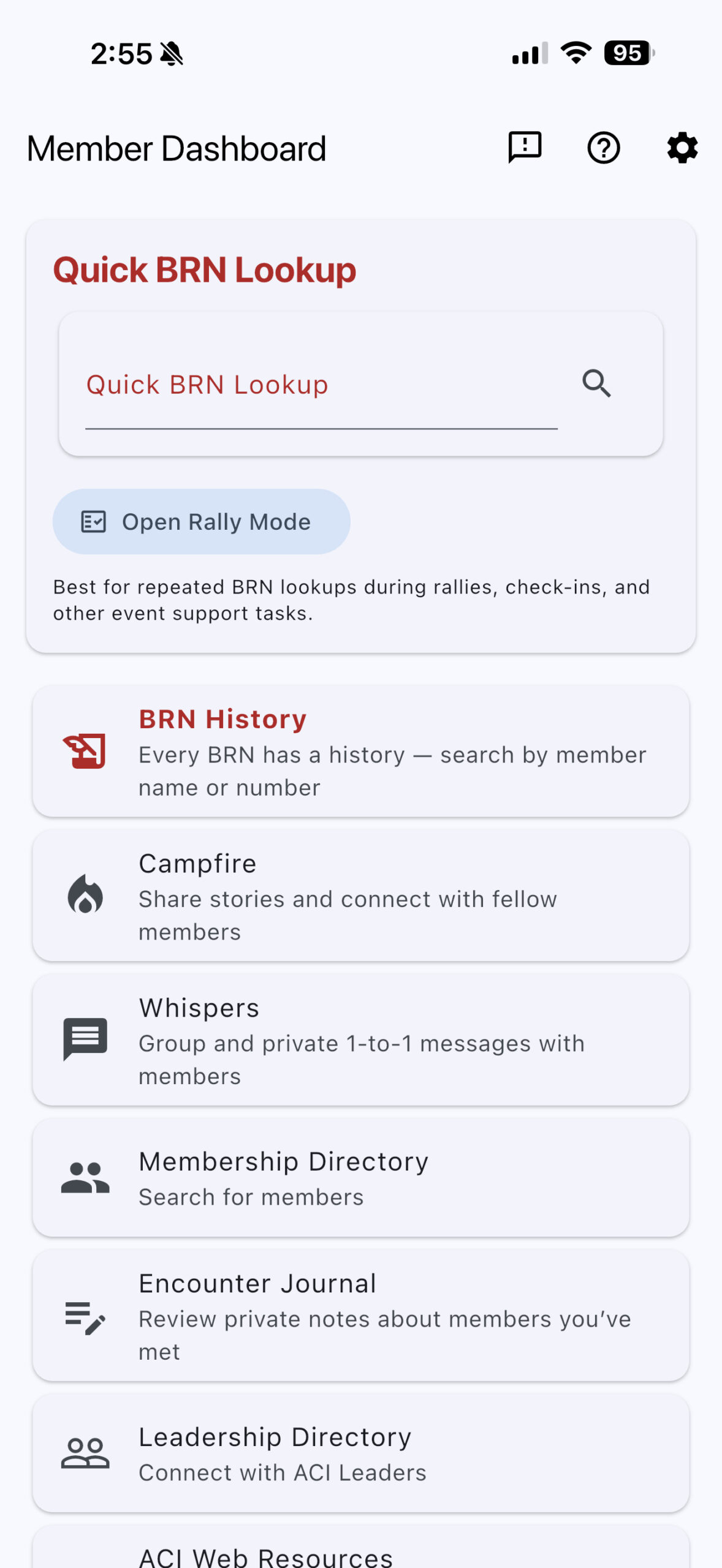
Every BRN has a history
You can now search by a member’s name or Big Red Number to explore the recorded history of a BRN, including:
- Current and previous BRN holders
- BRN assignment dates and timelines
- Primary members and partners connected to a membership
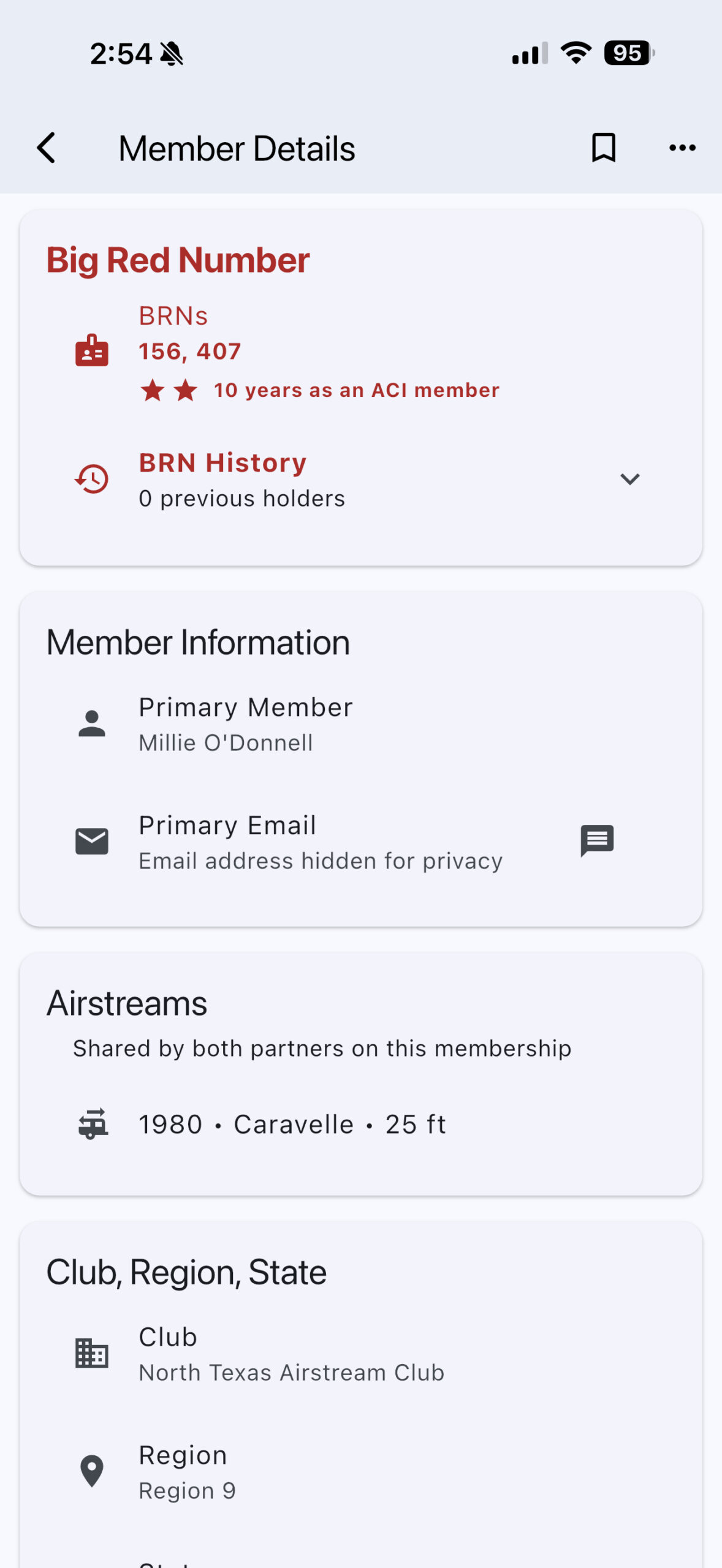
- Red membership stars marking each completed five-year milestone
- The member’s actual completed years of ACI membership
BRN History is available directly from the app’s home screen.
Help us fill in the gaps
We know our historical records are not complete. Some BRNs may be missing holders, dates, partners, or their entire history. That is why we included a built-in correction tool.
If you have information that can help improve the records:
- Open BRN History in the app.
- Search for the member or BRN.
- Select Report a correction.
- Describe what should be added or changed.
- Attach supporting information or an image when available.
If a BRN has no history at all, search for the number and use the Report a correction button shown with the empty result. You can also begin a correction from BRN History Help.
Please submit historical corrections through the app only.
Corrections posted in social media comments, direct messages, or email may not be properly tracked. Submitting through the app ensures the information enters our review process and can be followed through to completion.
Add your Airstreams to your membership
Version 1.1.0 also introduces a new feature for every member: the ability to add information about the Airstreams connected to your membership.
From Settings, you can add:
- Model year
- Airstream model
- Length in feet
You can add more than one Airstream, whether you currently own multiple trailers or want to include another Airstream associated with your membership.
Airstream information is shared at the membership level. The primary member and partner will see and manage the same list instead of maintaining separate trailer records.
The information will also appear in the membership’s details, allowing fellow members to learn more about the Airstreams in your Club family.
Adding Airstream information is optional and controlled by the members. It also establishes the foundation for future features that will help owners of similar models connect, exchange knowledge, and discuss shared interests.
To add an Airstream
- Open Settings.
- Find My Airstreams at the top of the page.
- Select the edit icon.
- Enter the year, model, and length.
- Add additional Airstreams as needed.
More improvements in version 1.1.0
This release also includes:
- A refreshed, less cluttered app experience
- Faster startup and improved caching
- A persistent notification center with read and acknowledgment controls
- Improved Whispers group creation and member selection
- Better membership and club-directory displays
- Updated in-app Help for current features
- Numerous navigation, layout, reliability, and performance improvements
Update to version 1.1.0 and help us preserve the stories behind the Red Numbers.
Every BRN has a history—and our members can help us tell it.